
Microsoft 365 Outage (November 2026): What Broke, Who Was Hit and What to Do Now
Published 16 November 2026 · Updated 16 November 2026 · 7 min read The Microsoft 365 outage that started on Thursday 12 November 2026 was one of the longest disruptions of Outlook and Teams in years. This post sets out what is confirmed, what Micr...
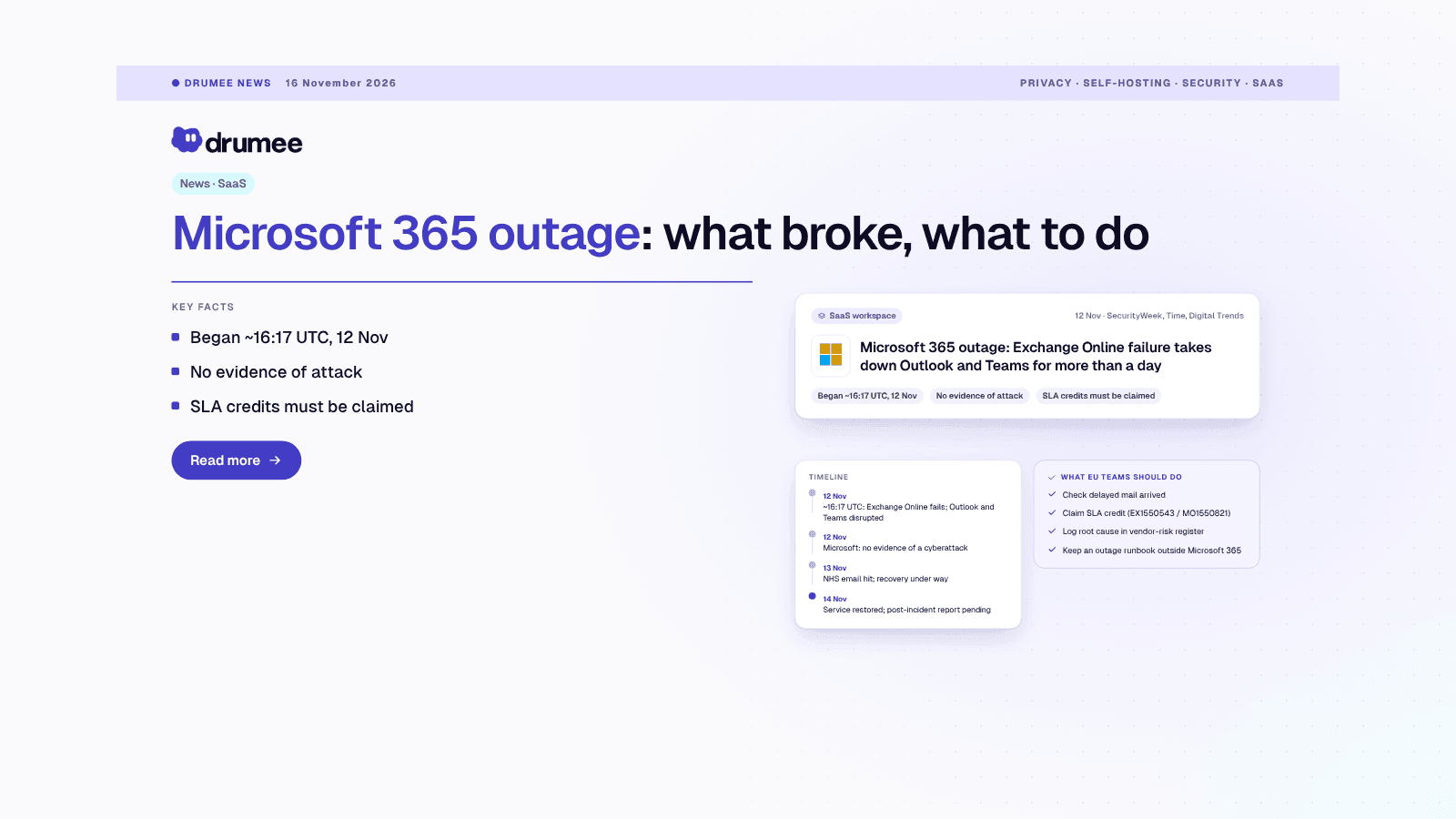
Microsoft 365 outage of 12–14 November 2026: an Exchange Online failure took Outlook, Teams and other services offline for more than a day, and SLA credits…
Published 16 November 2026 · Updated 16 November 2026 · 7 min read
The Microsoft 365 outage that started on Thursday 12 November 2026 was one of the longest disruptions of Outlook and Teams in years. This post sets out what is confirmed, what Microsoft has not yet explained, and the concrete steps EU teams should take this week.
TL;DR
What happened and does it affect me? On 12 November 2026 at about 16:17 UTC, an Exchange Online failure disrupted Outlook, Teams, SharePoint and Copilot worldwide. Microsoft found no evidence of an attack and said service was restored on 14 November. If your business runs on Microsoft 365, file an SLA credit claim and test your fallback channel now.
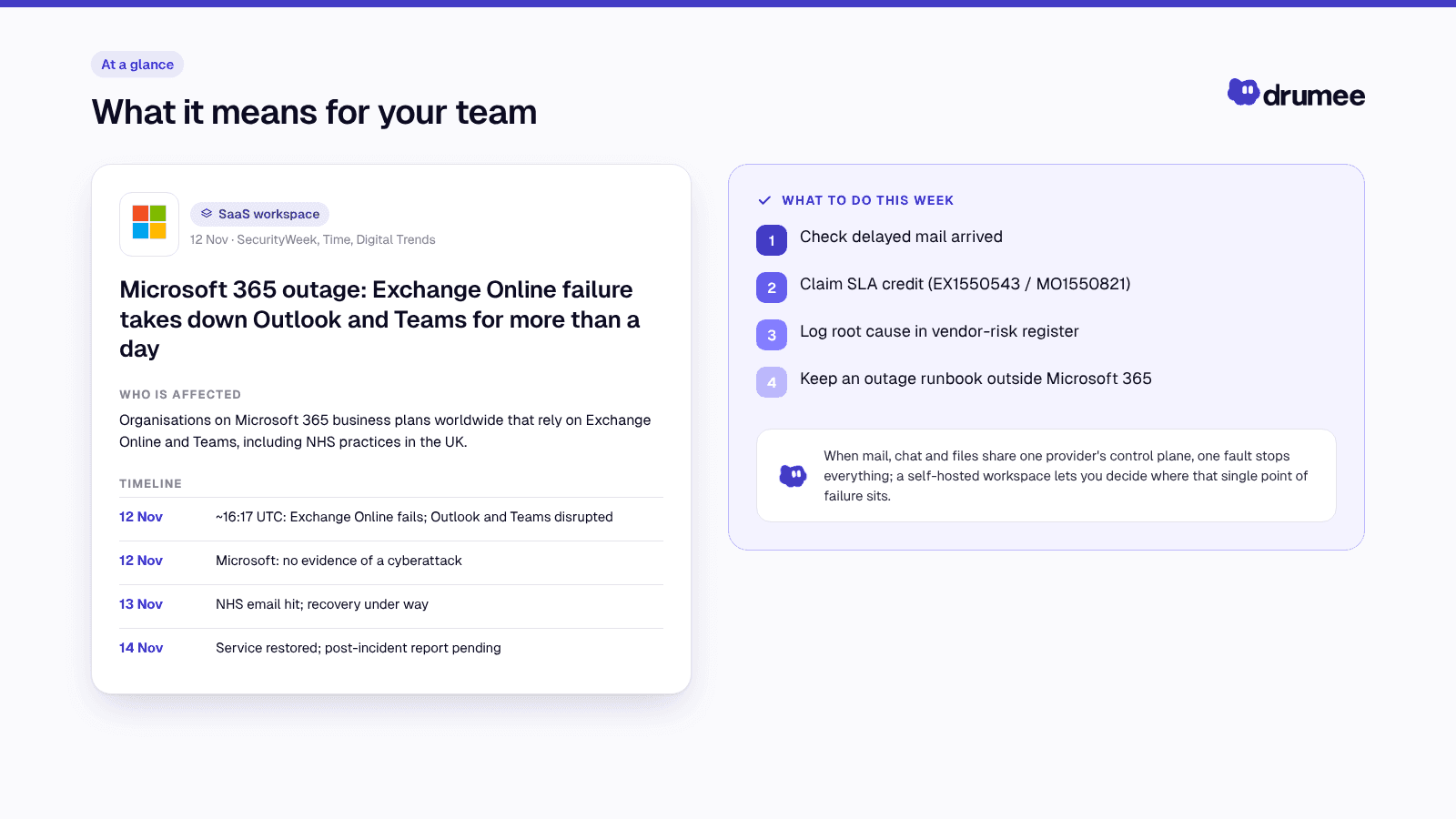
What it means for your team.
What happened
Microsoft's Service Health incident is timestamped at about 16:17 UTC (11:17 ET) on 12 November 2026, the start time most reports use; Wikipedia's incident summary notes that Microsoft's first public acknowledgement came later that afternoon (UTC). Microsoft tracked it as EX1550543 for Exchange Online and MO1550821 for the wider Microsoft 365 suite, according to SecurityWeek and Office Watch.
The failure started in Exchange Online and spread to services that depend on it. SecurityWeek lists Outlook, Teams, SharePoint Online, Copilot and Defender XDR among the affected services, and CNBC reported that Microsoft apologised for the disruption.
Microsoft said it had found no evidence of a cyberattack or malicious activity, as reported by SecurityWeek and CNBC.
On the cause, Microsoft's early updates said a number of servers had become unexpectedly unavailable, some failing automated health checks, which put elevated load on the remaining infrastructure (CNBC; SecurityWeek). Early messaging also mentioned a traffic surge in part of its infrastructure, so the first-day explanations were not fully consistent. Its later, preliminary explanation linked the problem to an issue introduced during an earlier network capacity upgrade that surfaced after a recent network change (Digital Trends; BetaNews). Microsoft has not yet published its full post-incident report, so treat that explanation as provisional.
Recovery came in stages. Microsoft reported recovery progress on 13 November, while email queues worked through the backlog (Time), and on Saturday 14 November said it had addressed the underlying issue and restored service (Digital Trends; Windows Central). Outlets give different durations: Office Watch puts it at about 30 hours, while others count up to 36 or 37 hours of staged recovery. Reports agree the disruption lasted more than a day.
Timeline
- 12 Nov, ~16:17 UTC (Service Health timestamp): Exchange Online failures begin; Outlook, Teams and other services are disrupted (EX1550543 / MO1550821).
- 12 Nov: Microsoft says it has found no evidence of a cyberattack.
- 13 Nov: As the UK workday starts, some NHS GP practices report they cannot send or receive email (Time; Healthcare Leader); Microsoft reports recovery progress.
- 14 Nov: Microsoft says service is restored for remaining customers and gives a preliminary explanation tied to an earlier network capacity upgrade; the post-incident report is still pending.
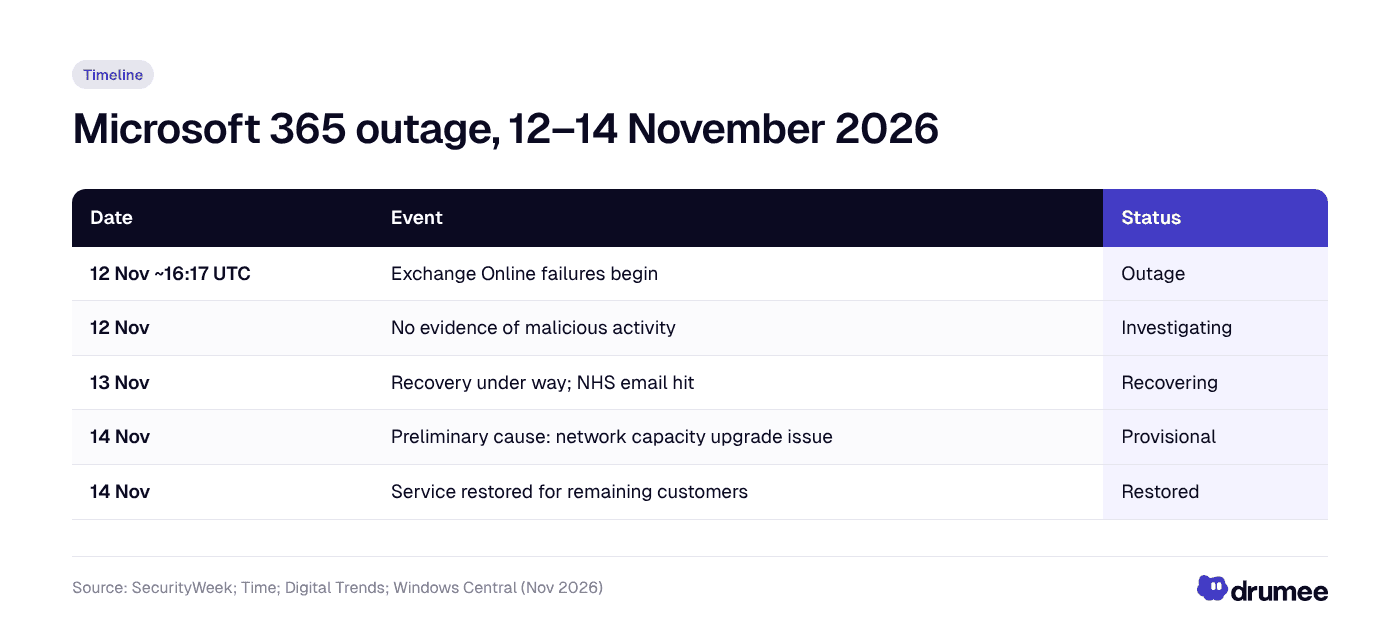
The outage ran from the afternoon of 12 November (UTC) until Microsoft declared service restored on 14 November, with the root cause still provisional.
Who is affected
Any organisation on a Microsoft 365 business plan that relies on Exchange Online for mail could have been hit. Teams calendars and meeting scheduling depend on Exchange, so a mail failure became a meetings failure too.
- Small and mid-sized teams that use Outlook and Teams as their only communication channels had no fallback when both went down at once.
- Public bodies and healthcare. In the UK, some NHS practices and trusts were reported unable to send or receive email (Macworld; Time; Healthcare Leader), and some trusts asked for urgent referrals by phone instead.
- EU businesses started their 13 November workday while recovery was still under way.
- Philippine BPO and outsourcing teams serving EU and US clients on Microsoft 365 tenants would have lost the client channels they work through. Coverage of the outage's impact in the Philippines is thin, so check your own client SLAs and incident logs.
Consumer Microsoft 365 plans were disrupted as well, but SLA credits apply only to business and enterprise agreements (Office Watch).
What it means under GDPR, NIS2 and DORA
None of this is legal advice, but the outage touches three EU frameworks your compliance lead will ask about.
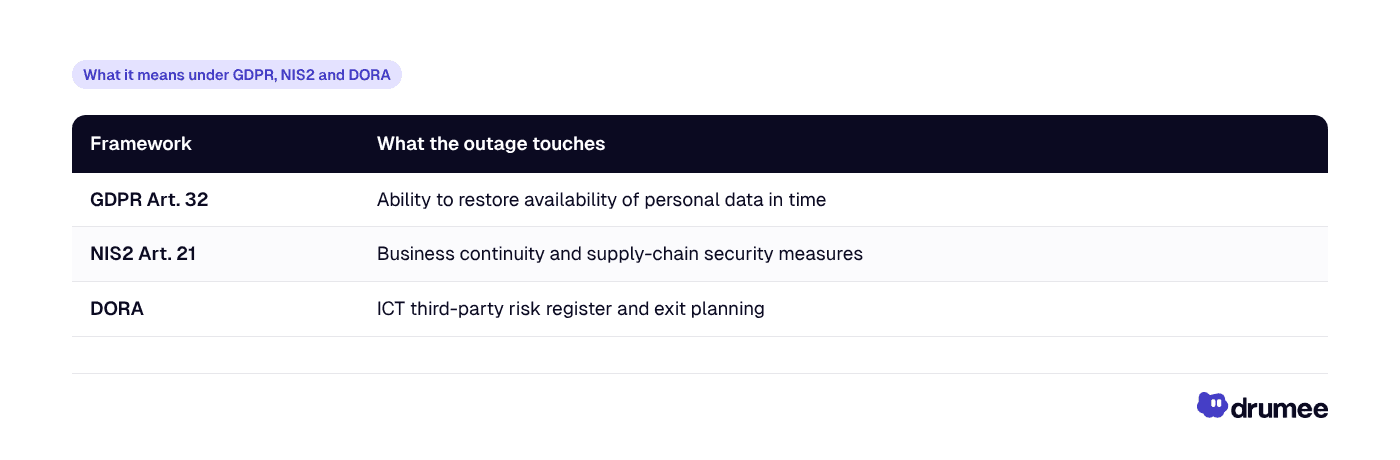
GDPR. Article 32 asks controllers to ensure "the ability to restore the availability and access to personal data in a timely manner". An outage with no evidence of malicious activity is mainly an availability event. Document it, assess whether any personal data was lost or misdirected, and record your decision either way.
NIS2. For essential and important entities, Article 21 lists business continuity (backup management, disaster recovery, crisis management) and supply-chain security as required risk-management measures. Losing your main communication suite for more than a day is exactly the kind of supplier dependency regulators expect you to have mapped.
DORA. Financial entities have been under DORA since 17 January 2025, and ICT third-party risk is part of their mandatory ICT risk framework (Hunton). Record the incident against Microsoft in your register of ICT providers and check whether your exit and substitution plans would have kept critical functions running.
What to do now
- Check that delayed mail actually arrived. Messages queued during the outage may have been delivered late or not at all. Ask key clients and suppliers to confirm, and resend anything time-critical.
- File an SLA credit claim. Credits are not automatic: business customers must ask (Windows Latest). Open a support request in the Microsoft 365 admin center, cite EX1550543 and MO1550821, and attach timestamps and impact evidence. If you bought through a reseller or CSP, the partner usually files for you (Office Watch).
- Log the root cause when it lands. Watch Service Health for the post-incident report and copy the cause into your vendor-risk register. That gives you the evidence NIS2 and DORA reviewers look for.
- Write a one-page outage runbook stored outside Microsoft 365. Name a fallback channel, a phone tree and who decides when to switch. A runbook kept in SharePoint is unreachable when SharePoint is down.
- Map your single points of failure. List which daily workflows (mail, chat, meetings, files, sign-in) depend on the same provider, and decide which ones need an independent path.
The bigger picture
This was not Microsoft 365's first serious incident of 2026. In January, a multi-service outage disrupted Outlook and other services for close to ten hours (The Register; Tom's Guide). Every large provider has outages, and Microsoft's engineers restored a vast global service under pressure. The issue is not that outages happen. It is what happens to your business when one provider carries every channel at once.
This is the concentration problem we described in our guide to avoiding SaaS vendor lock-in. When mail, chat, meetings, files and identity all sit on one control plane, a single fault stops all of them, and you cannot speed up the fix. Teams that have already started building a workspace without SaaS dependency usually begin by separating at least one critical channel from their main suite.
For EU teams there is a regulatory side too. NIS2 and DORA both push organisations to prove they understand their ICT supply chain, and data residency rules add the question of where that infrastructure sits. Our enterprise data residency guide covers the location side of the same decision.
How a sovereign workspace changes the risk
A sovereign workspace does not make outages disappear. Servers you run can fail too. What changes is who controls the failure domain and the recovery.
- Drumee managed plans (Free → Business) give you files, chat, tasks and meetings in one system, run by Drumee. That is a sensible second path for teams that want an independent channel alongside their main suite, but it is still a hosted service you depend on.
- Drumee Sovereign Node runs the same workspace fully self-hosted on your own infrastructure, with a dedicated SLA. You choose the hardware, the location, the maintenance windows and the backup strategy, so your workspace is no longer exposed to a SaaS provider's internal network changes.
Self-hosting also moves responsibility to you: monitoring, patching and backups become your job. For many EU teams that trade is worth it for control, cost predictability and GDPR clarity. Our comparison of self-hosted vs SaaS for startups walks through it honestly.
Next step: try the Free plan as a fallback channel, or book a Sovereign Node call, both from the Drumee pricing page.
FAQ
What caused the Microsoft 365 outage on 12 November 2026?
Microsoft's preliminary explanation links it to an issue introduced during an earlier network capacity upgrade that surfaced after a network change, which left servers unexpectedly unavailable and overloaded the rest. Microsoft said there was no evidence of malicious activity. It has not yet published the full post-incident report.
Is Outlook down right now?
Microsoft said on 14 November 2026 that service had been restored for all remaining customers. If you still see problems, check Service Health in the Microsoft 365 admin center for your tenant before troubleshooting locally.
Can I get an SLA credit for the Microsoft 365 outage?
Business and enterprise customers may qualify, but credits are not automatic. Open a support request in the Microsoft 365 admin center citing EX1550543 and MO1550821, with timestamps and impact evidence, or ask your reseller. Consumer plans are not covered.
How should a small team keep working when Outlook and Teams go down?
Keep a short outage runbook outside Microsoft 365, agree on an independent fallback channel and a phone tree, and store key contacts somewhere you can reach offline. Test the switch once a quarter so people know what to do before the next outage.
Keep reading
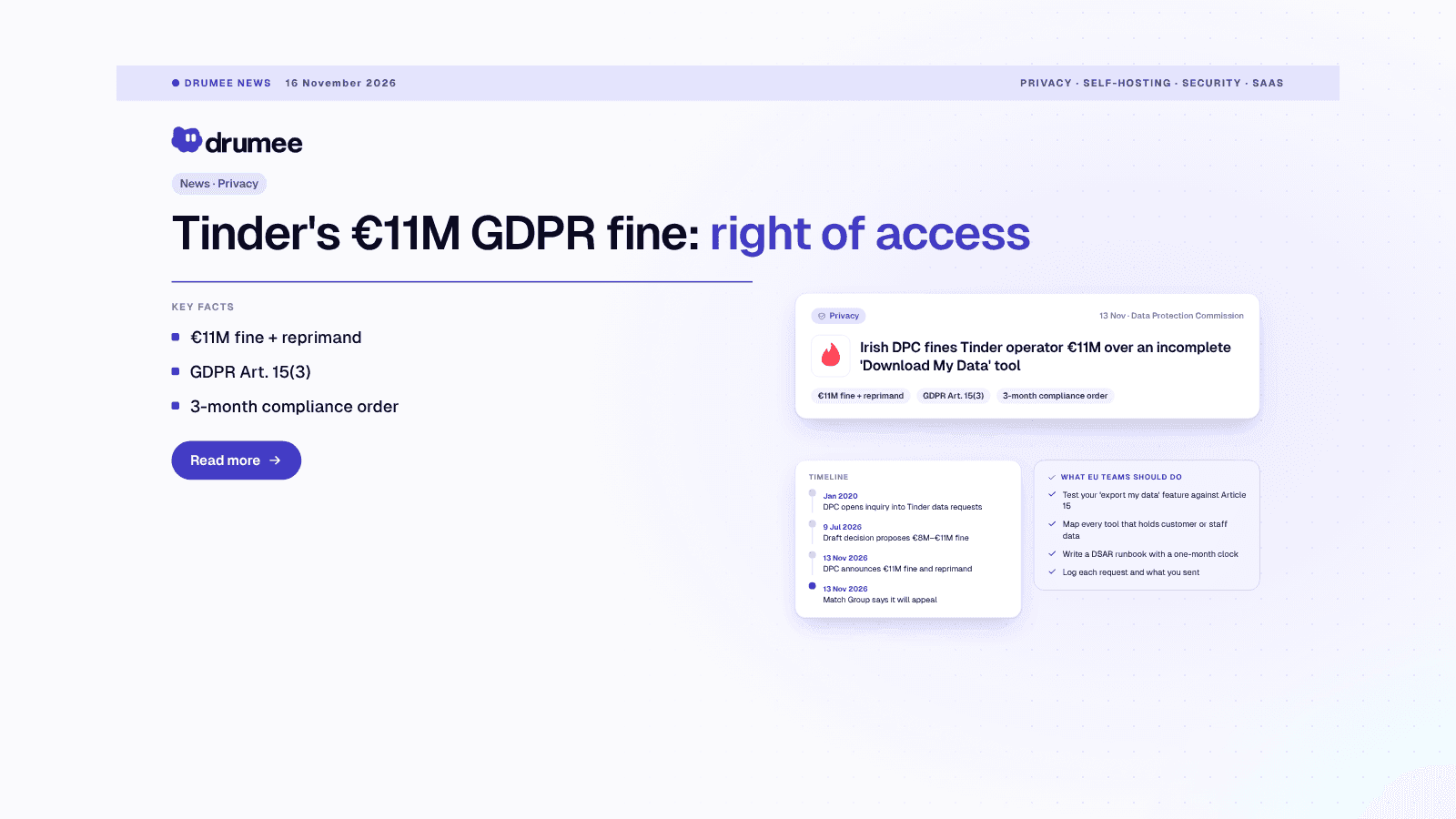
Tinder GDPR Fine: Why the DPC Imposed €11M Over the Right of Access
Published 16 November 2026 · Updated 16 November 2026 · 7 min read TL;DR: On 13 November 2026, Ireland's Data Protection Commission announced an €11 million fine against MTCH Technology Services, the company that runs Tinder in the EU. Its "Downl...
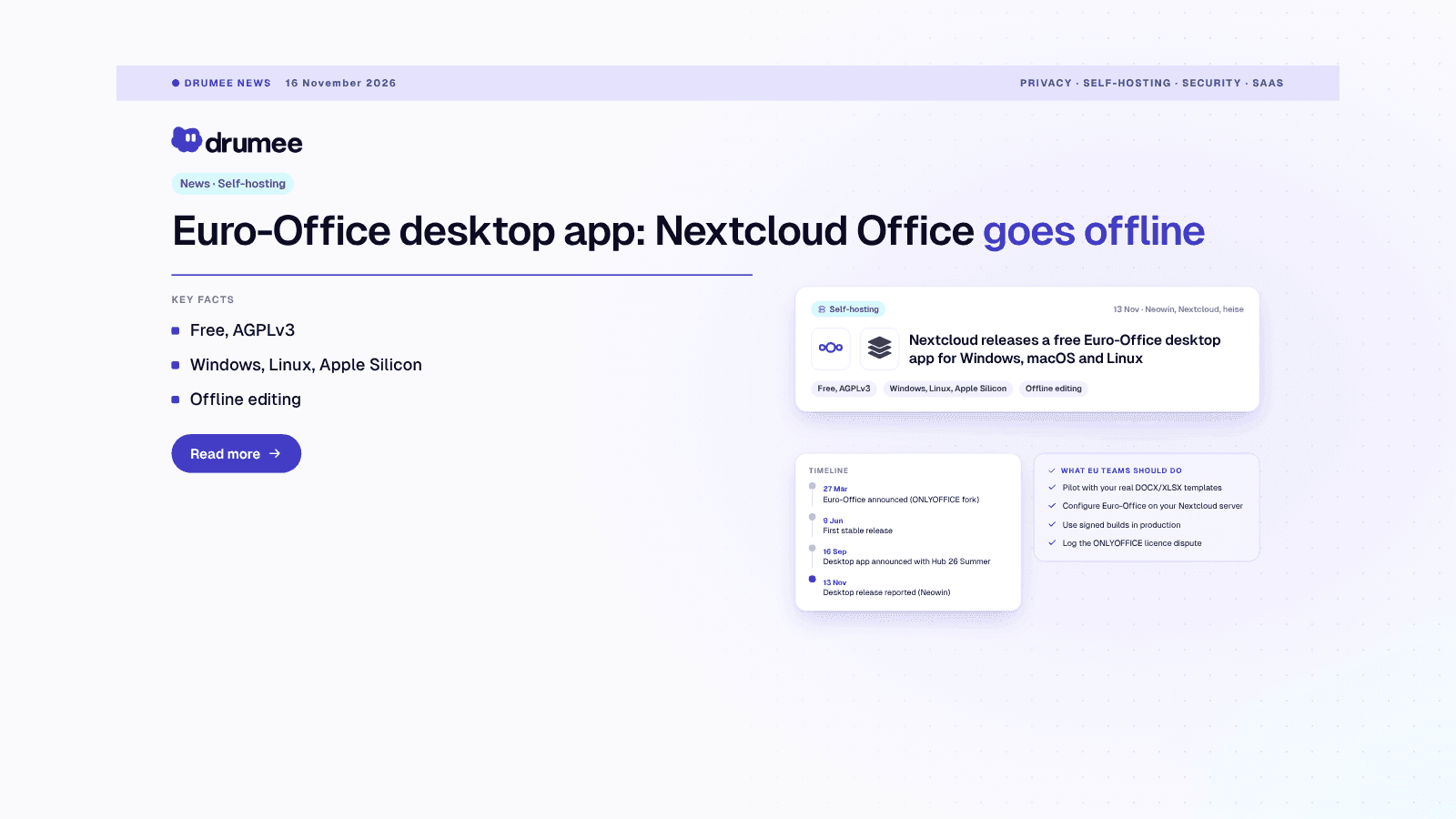
Euro-Office Desktop App: Nextcloud Office Goes Offline on Windows, macOS and Linux
Published 16 November 2026 · Updated 16 November 2026 · 8 min read TL;DR: Nextcloud has released Nextcloud Office Desktop, a free, open source office app built on Euro-Office, for Windows, macOS and Linux. It edits documents, spreadsheets, presen...